Choose the structure before the colours
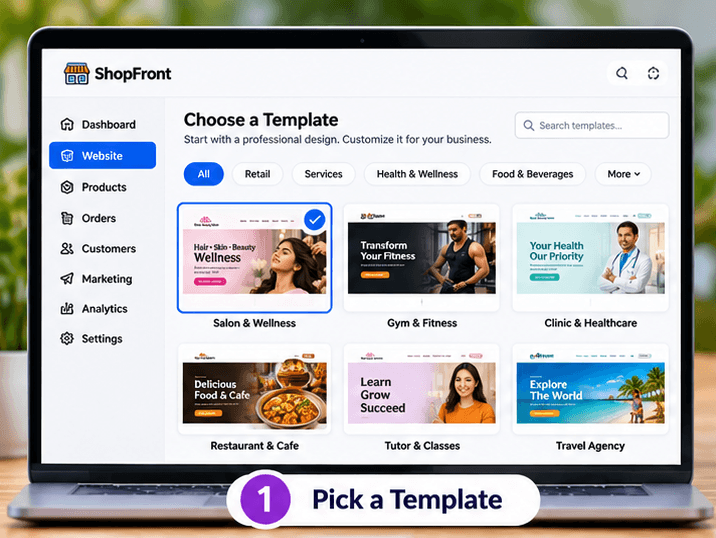
Pick a template close to the information your business needs. Decide whether visitors need a menu, service list, portfolio or contact page, then replace the sample wording with accurate business details.
Create a business website without coding
You do not need to write code to prepare a ShopFront website. Choose a starting design, replace the example content, organise your pages and preview the result before publishing.
Build and edit free. An active eligible plan is required to publish.
Make the page useful
Pick a template close to the information your business needs. Decide whether visitors need a menu, service list, portfolio or contact page, then replace the sample wording with accurate business details.
Use the editor to arrange content and adjust typography, spacing and colours. Add your own images from the media library and keep headings specific enough to help a visitor scan the page.
Review desktop and mobile layouts, test your contact details and read the whole page before publishing. Draft edits stay separate from the published site, so later revisions can be prepared before they go live.
Before you build
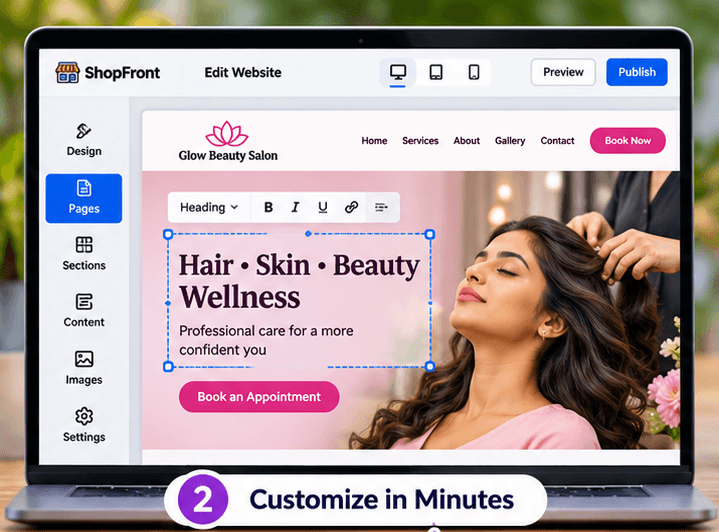
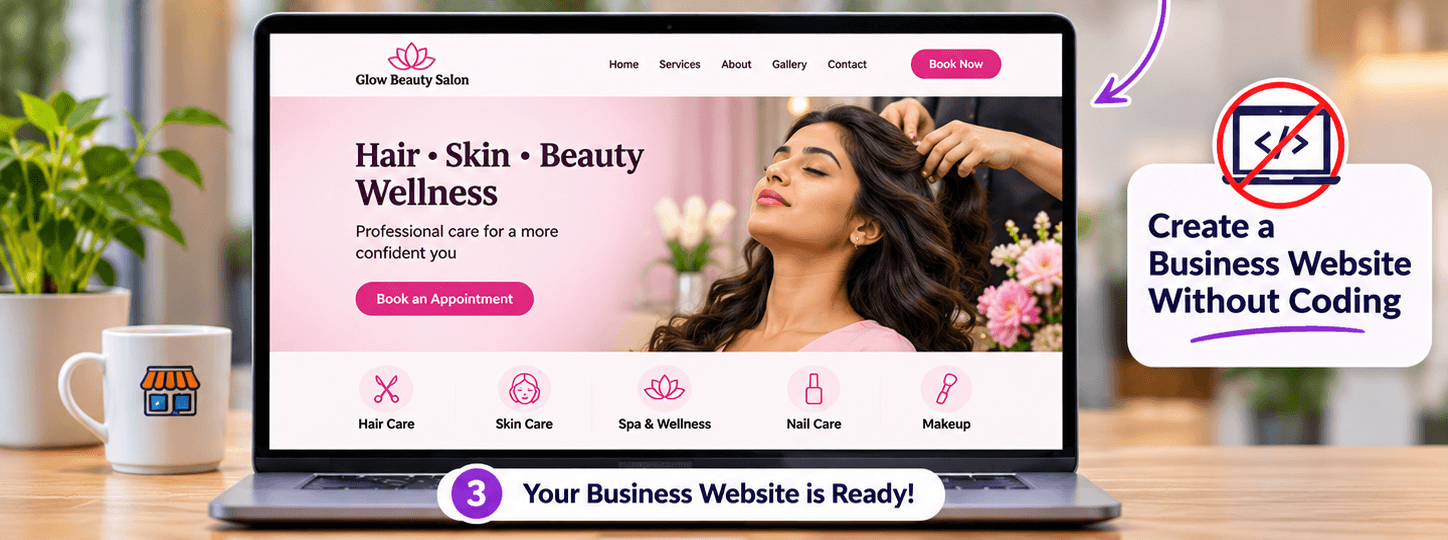
Choose a template, add your business content and preview the result. Keep later edits in a draft until you are ready to publish them.
Start with the page allowance you need. Review current plans for publishing, custom-domain and email entitlements before choosing your setup.
Compare current plansThe ShopFront editor runs in your browser. Create an account and use the dashboard to start and edit your website.
Draft edits are separate from the published version. Preview your changes and publish when you want visitors to see the updated site.
Plan and build a small business website in India with ShopFront. Bring together services, photos, contact details and your own domain.
Plan a business website that is easy to read and use on phones. Preview desktop, tablet and mobile layouts with ShopFront.
Create a photography portfolio website with galleries, service details and shoot enquiry links. Build without code using ShopFront.
Explore the editor, prepare your content and choose a plan when you are ready to publish.
Start building free