Prepare useful product information
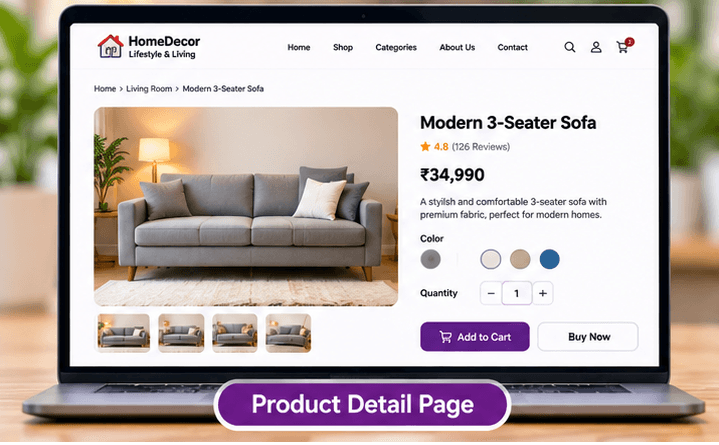
Give each product a clear name, accurate description and photographs that show scale and detail. Include relevant dimensions, materials and care information rather than relying on a photo alone.
Online product catalogue for small businesses
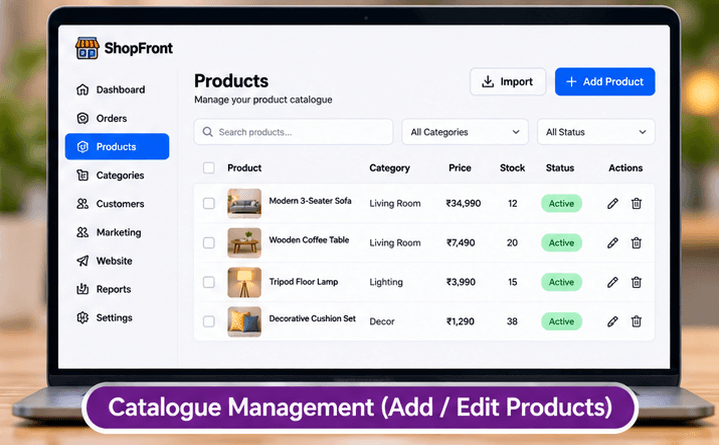
An online catalogue helps customers compare products before buying or making an enquiry. Decide whether you need a simple visual showcase or a managed catalogue with product records and a purchase flow.
Build and edit free. An active eligible plan is required to publish.
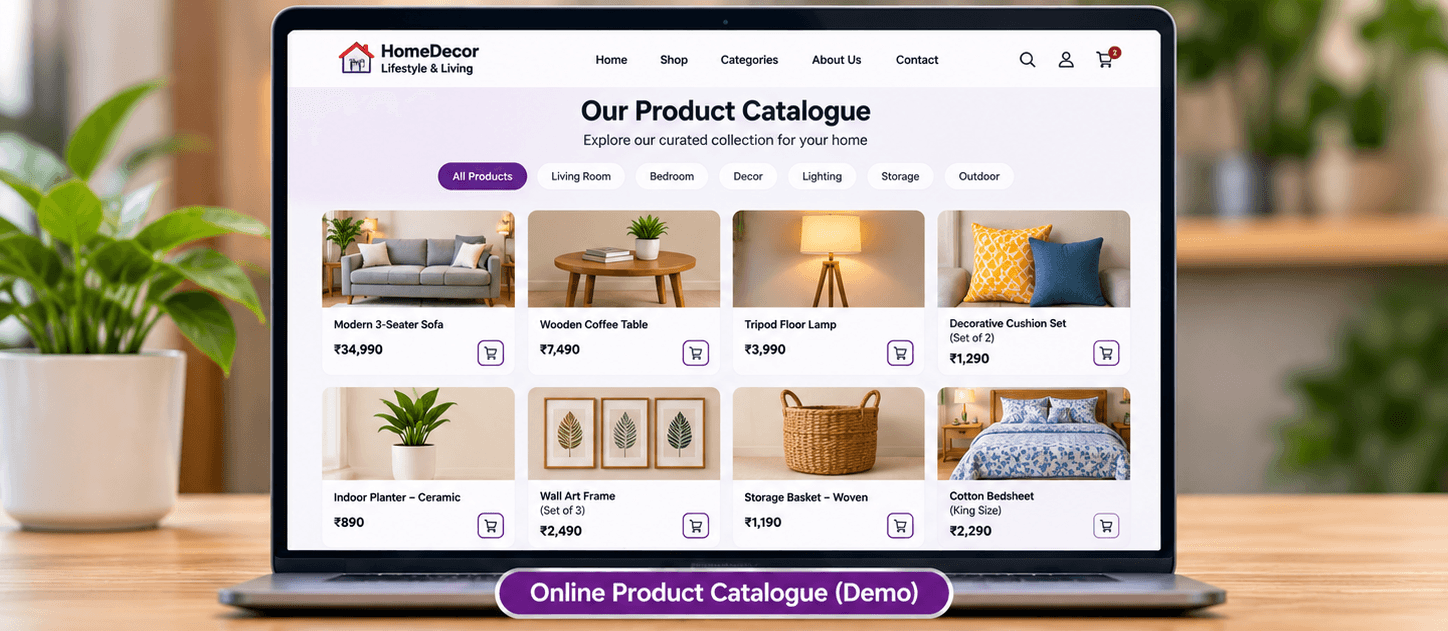
Make the page useful
Give each product a clear name, accurate description and photographs that show scale and detail. Include relevant dimensions, materials and care information rather than relying on a photo alone.
Use categories that make sense to buyers. Keep identifiers consistent if you maintain a spreadsheet, and review prices and availability before publishing a catalogue.
A website gallery can showcase products and direct people to contact you. ShopFront's separate commerce capability adds structured catalogue management and product pages; review the E-Commerce page for its availability and plan requirements.
Before you build
Choose a template, add your business content and preview the result. Keep later edits in a draft until you are ready to publish them.
Start with the page allowance you need. Review current plans for publishing, custom-domain and email entitlements before choosing your setup.
Compare current plansNo. A gallery presents images and text. A managed catalogue stores product information and supports commerce features. Choose the setup based on whether you only need enquiries or also need a store.
Do not assume it is. Structured catalogue and commerce access depend on the relevant plan or add-on. The E-Commerce and pricing pages explain current availability.
Build a boutique website to showcase collections, garment details, store information and customer enquiry links with ShopFront.
Create a jewellery website with collection galleries, craftsmanship photos and clear product enquiry details using ShopFront.
Build a florist website with bouquet galleries, occasion collections, delivery information and enquiry links using ShopFront.
Explore the editor, prepare your content and choose a plan when you are ready to publish.
Start building free