Describe the jobs you accept
Separate installation, maintenance and repair work. Explain whether you handle residential, commercial or both, and publish qualifications or authorisations accurately.
Website builder for electricians and electrical services
Customers looking for an electrician need to know whether you cover their area and do the work they need. Put your services, working hours and contact information in a clear, mobile-friendly website.
Build and edit free. An active eligible plan is required to publish.

Make the page useful
Separate installation, maintenance and repair work. Explain whether you handle residential, commercial or both, and publish qualifications or authorisations accurately.
List the localities you serve and your actual contact hours. Only advertise emergency or round-the-clock availability if your business can provide it.
Use authorised photographs of completed installations and safe working practices. Explain how you assess a job and confirm a quote, without asking customers to attempt unsafe diagnostic work.
Before you build
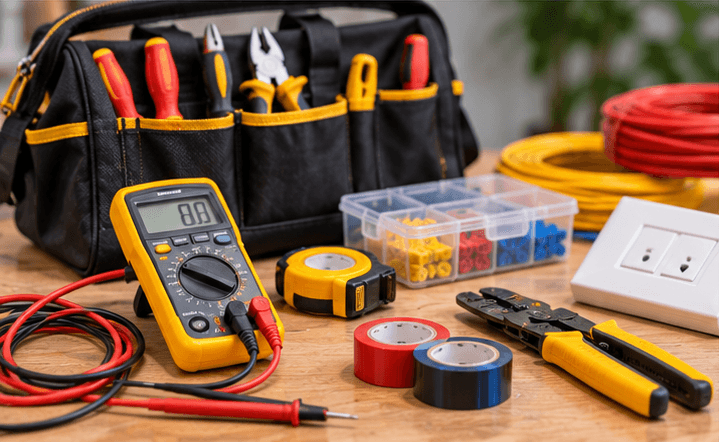

Choose a template, add your business content and preview the result. Keep later edits in a draft until you are ready to publish them.
Start with the page allowance you need. Review current plans for publishing, custom-domain and email entitlements before choosing your setup.
Compare current plansYes. Add a clear service-area section and your business contact details. Keep the list accurate instead of claiming coverage in places you cannot serve.
Yes. Add phone and WhatsApp contact links. Your team still needs to assess the request, confirm availability and agree the job.
Give website visitors a direct way to contact your business on WhatsApp. Add clear enquiry links and service information with ShopFront.
Plan a business website that is easy to read and use on phones. Preview desktop, tablet and mobile layouts with ShopFront.
Plan and build a small business website in India with ShopFront. Bring together services, photos, contact details and your own domain.
Explore the editor, prepare your content and choose a plan when you are ready to publish.
Start building free